



Multiple languages

Receipt printing

Meals included

Customize system information

Interface customization

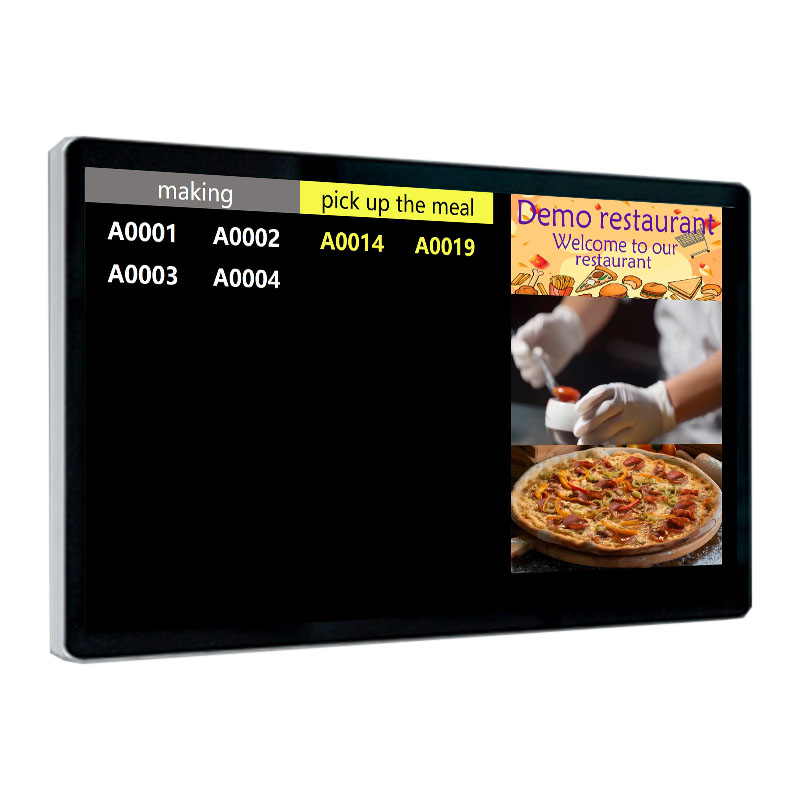
Takeout calls

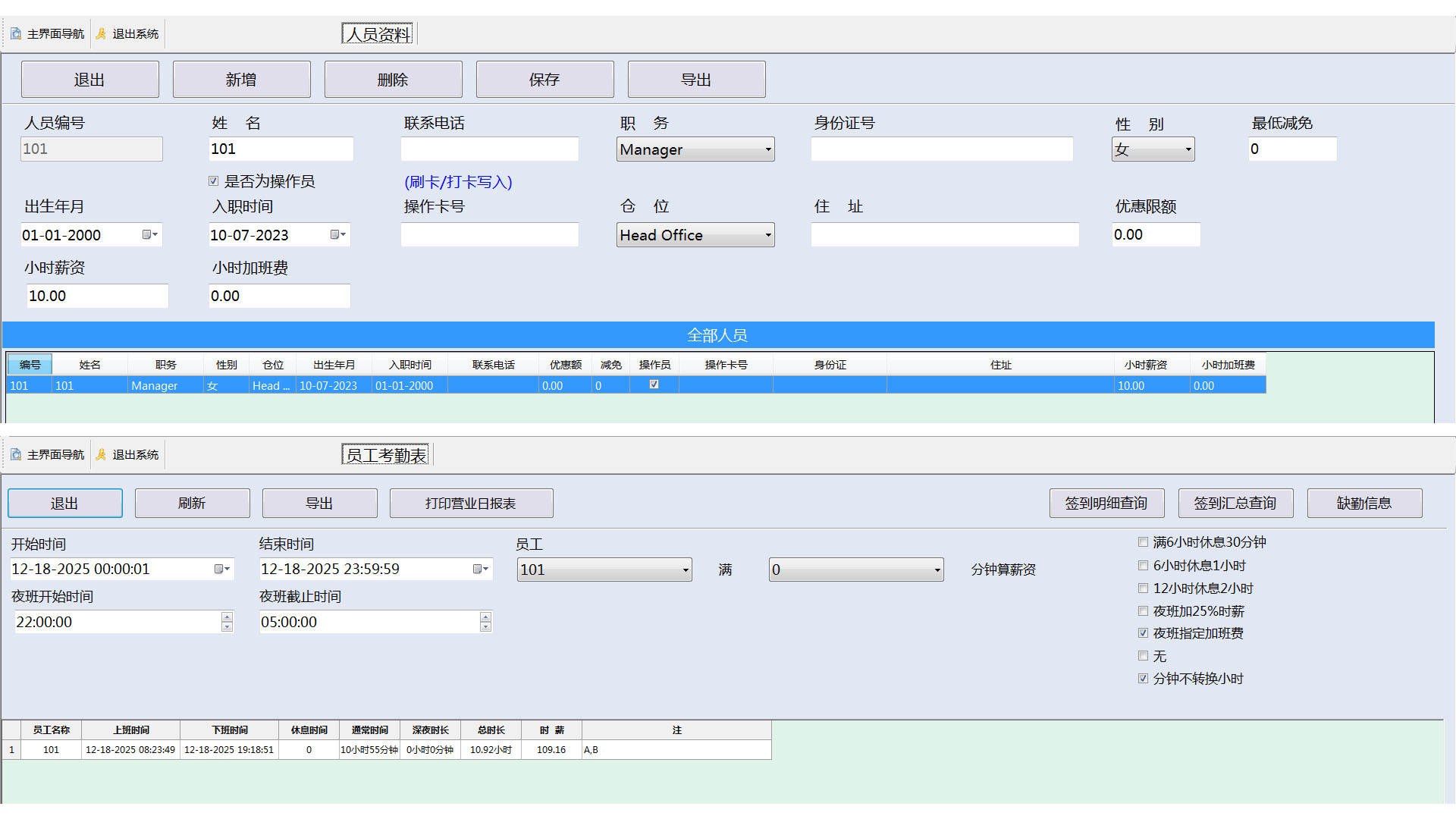
Hourly wage statistics and calculation
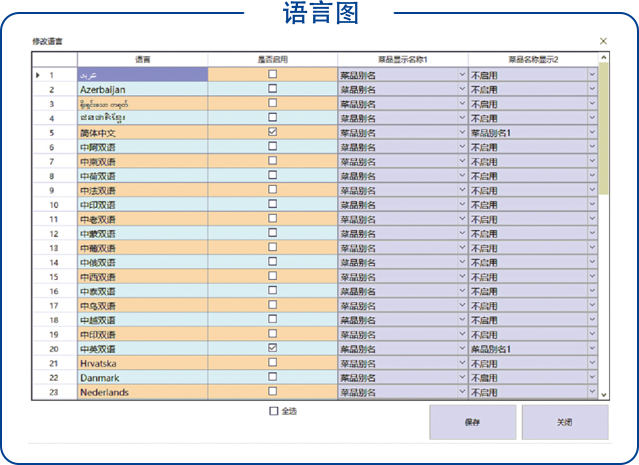
Multilingual
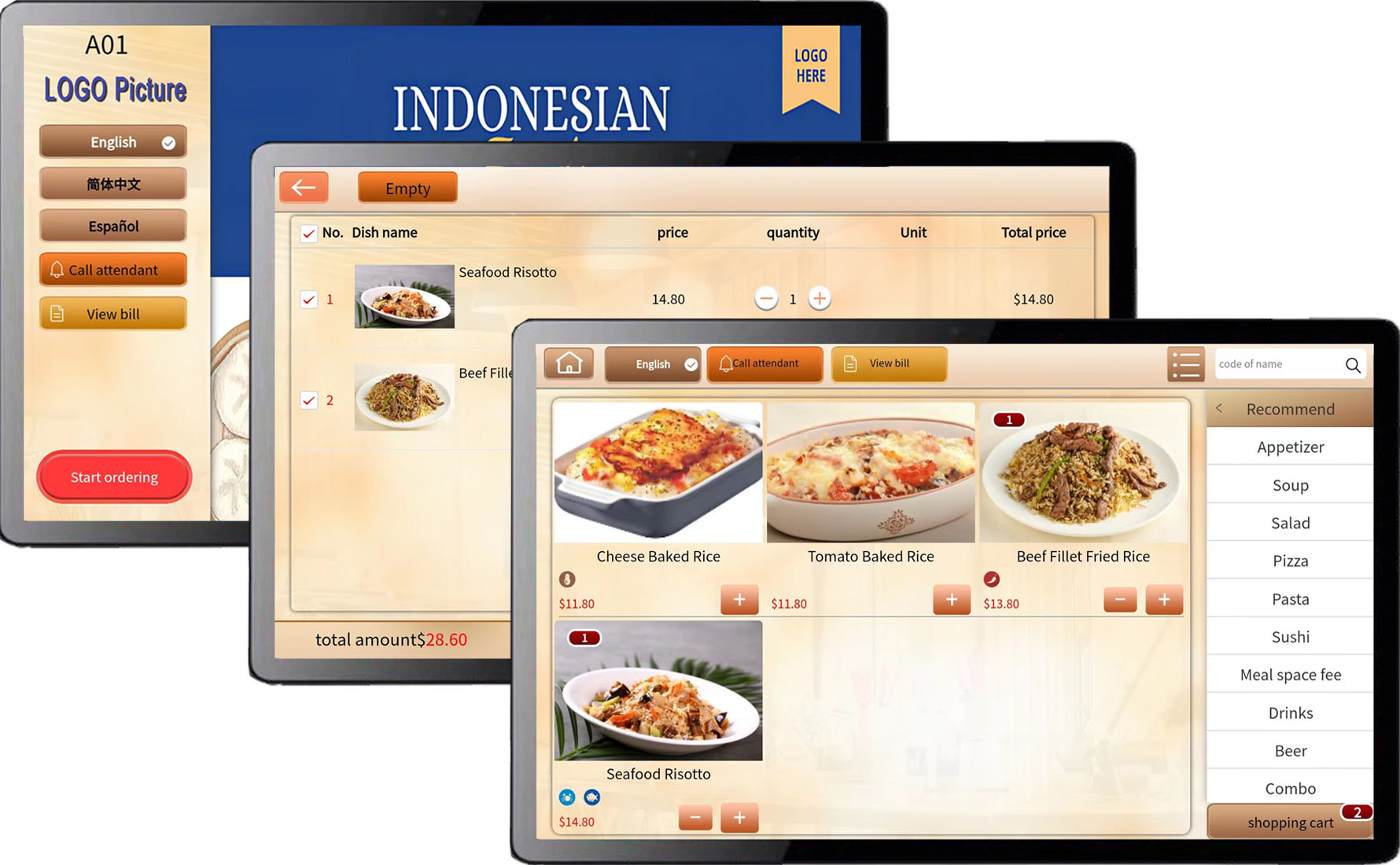
Supports display in different national languages and bilingual languages, with one-click language switching.
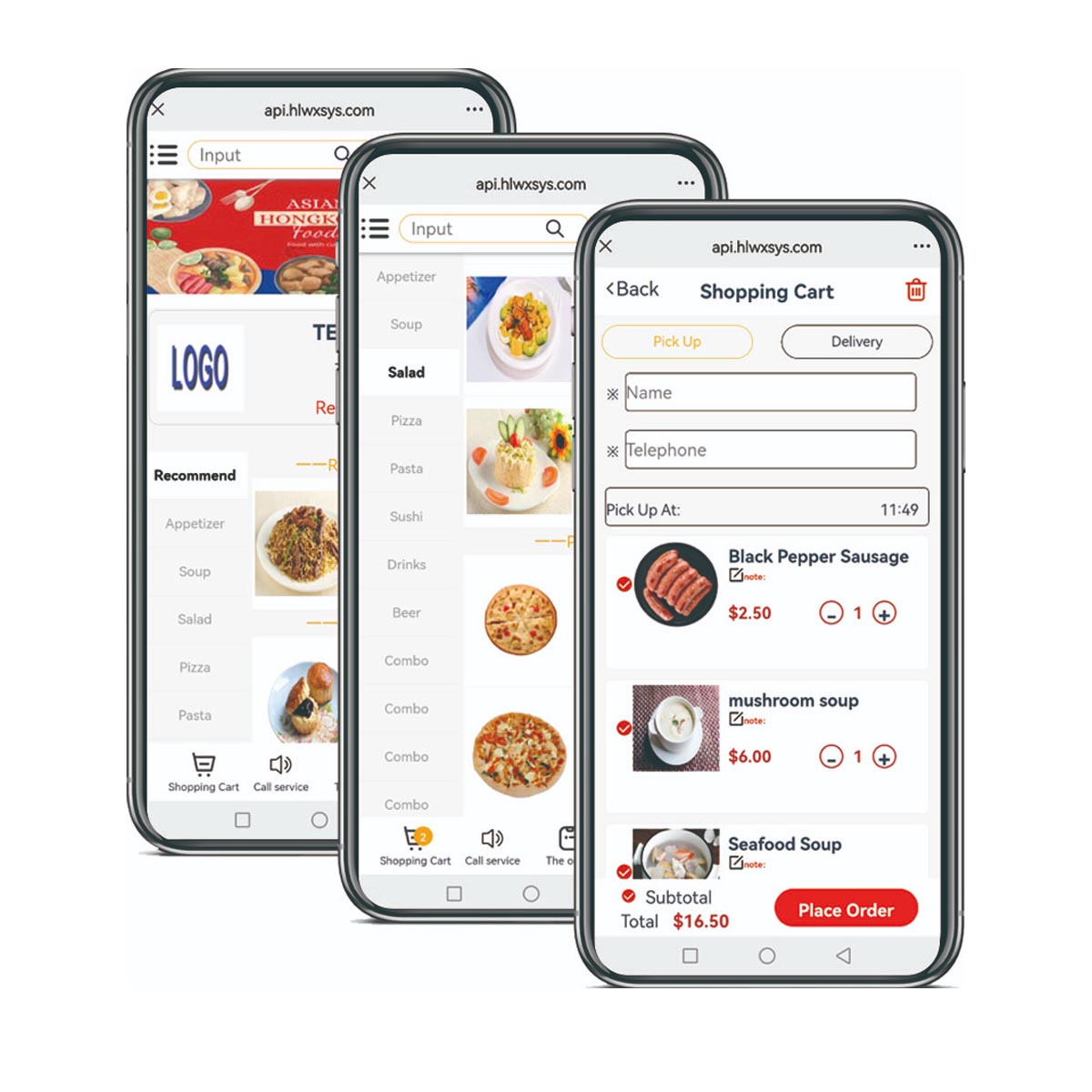
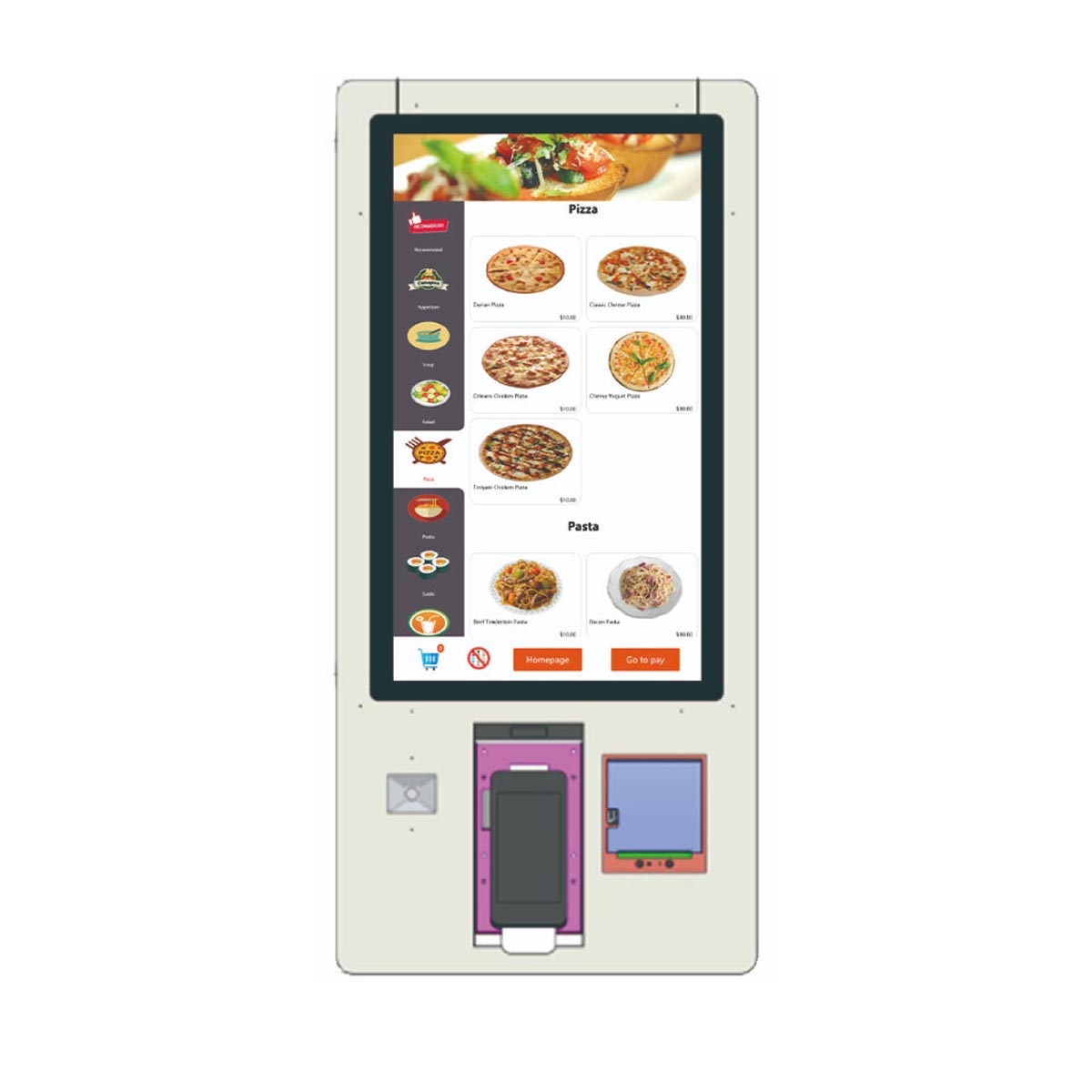
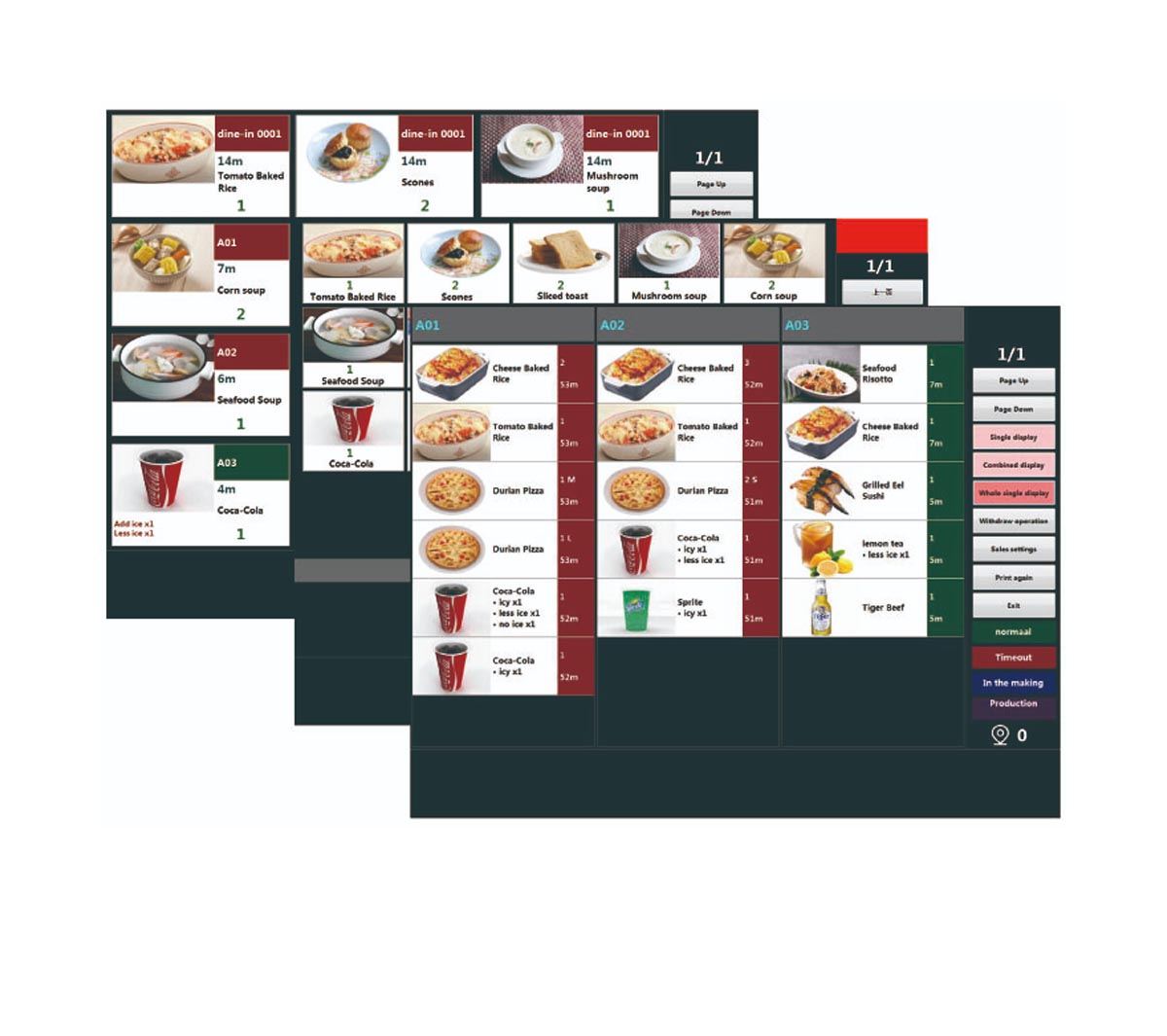
Touchscreen ordering, tablet ordering, QR code ordering, mobile ordering—KIOSK, KDS, all systems support multilingual switching
Multiple currencies
Mixed settlement with different currency methods, automatic exchange rate conversion, customizable currency symbols and pre-display or post-display display.
and many types of taxes
A dish can have multiple tax calculation methods, different dining styles with different tax types. According to regulations of different countries, you can set up dishes and cooking taxes, elderly taxes for the disabled, additional tax calculations, and so on
Multiple menus
Supports displaying dishes by time period; dishes outside of time slots are not shown or cannot be ordered. Multiple ordering methods can set this setting simultaneously, with prices for the same dish changing at different times
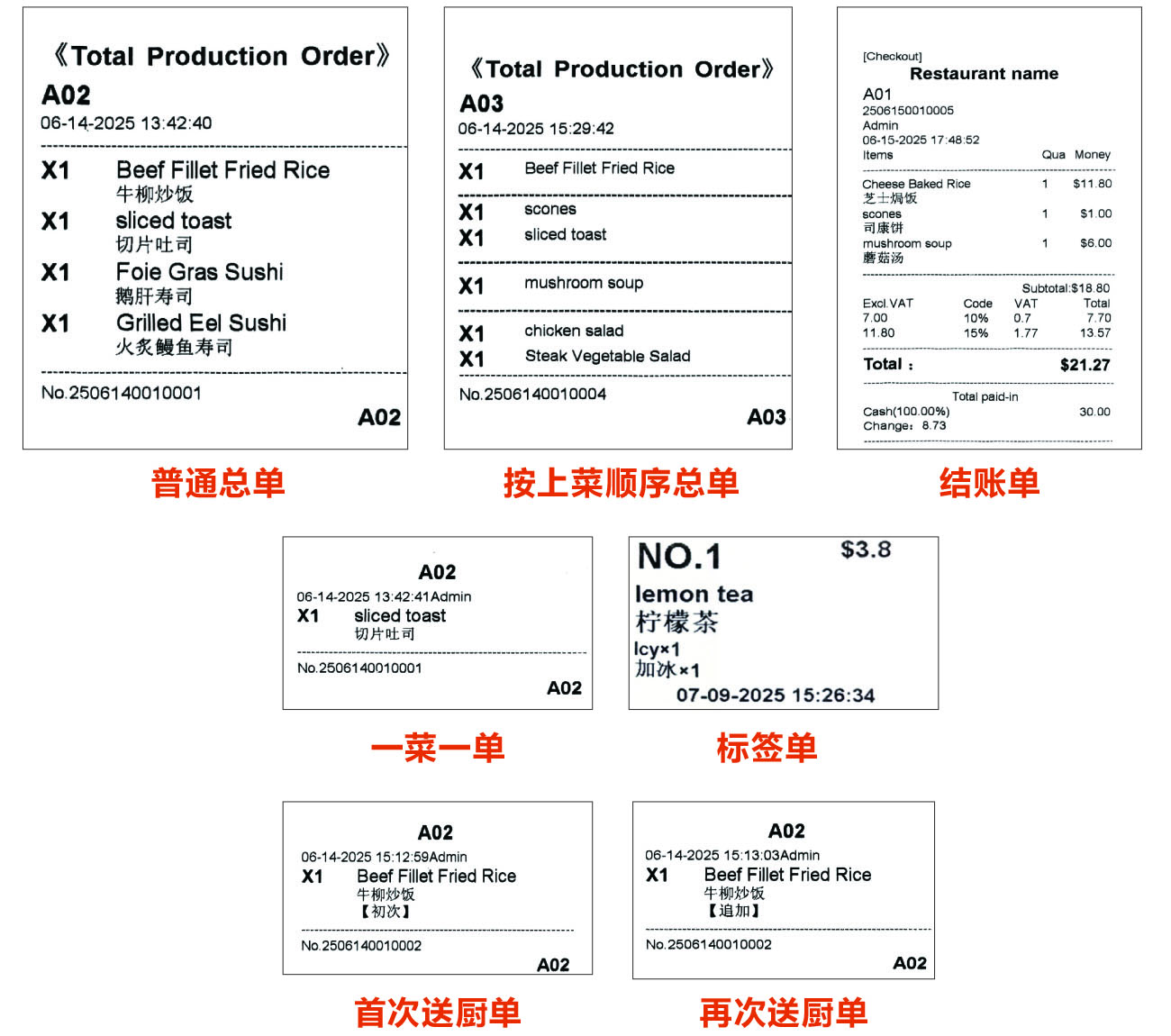
The system supports bilingual and trilingual printing of dish names and recipes. Printing formats can be customized.
Multiple issuance types, print categorization, and checkout categorization settings
Kitchen orders are printed according to the order of serving, making it convenient for kitchens to review and prepare dishes. For example: after printing all appetizer dishes, separate them with a horizontal line; after printing all main dishes, separate them with a horizontal line; after printing all dessert dishes, separate them with a horizontal line, etc. The printing categories and order can be customized
For set/package/all-you-can-eat dishes, print the prefix marker symbol, print the first kitchen delivery mark, and for the same dish, send it to the kitchen again to print different marks
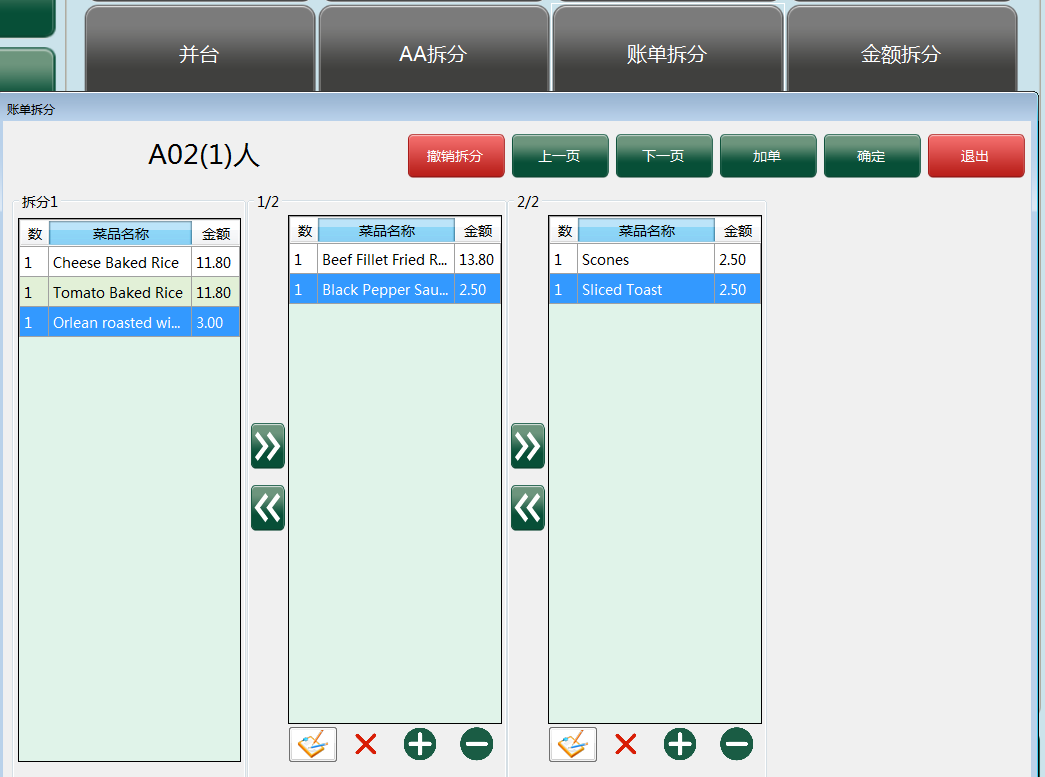
Multiple ordering methods support buffet/buffet functions, such as tablet buffet/buffet, QR code package/buffet, which can limit time, rounds, number of orders per round, interval between orders, and also set limits or additional prices for specific dishes.
Multiple packaged meals/buffets can be used simultaneously, for example, adult packages/buffets and children's packages/buffets are available simultaneously, meeting the needs of all restaurants
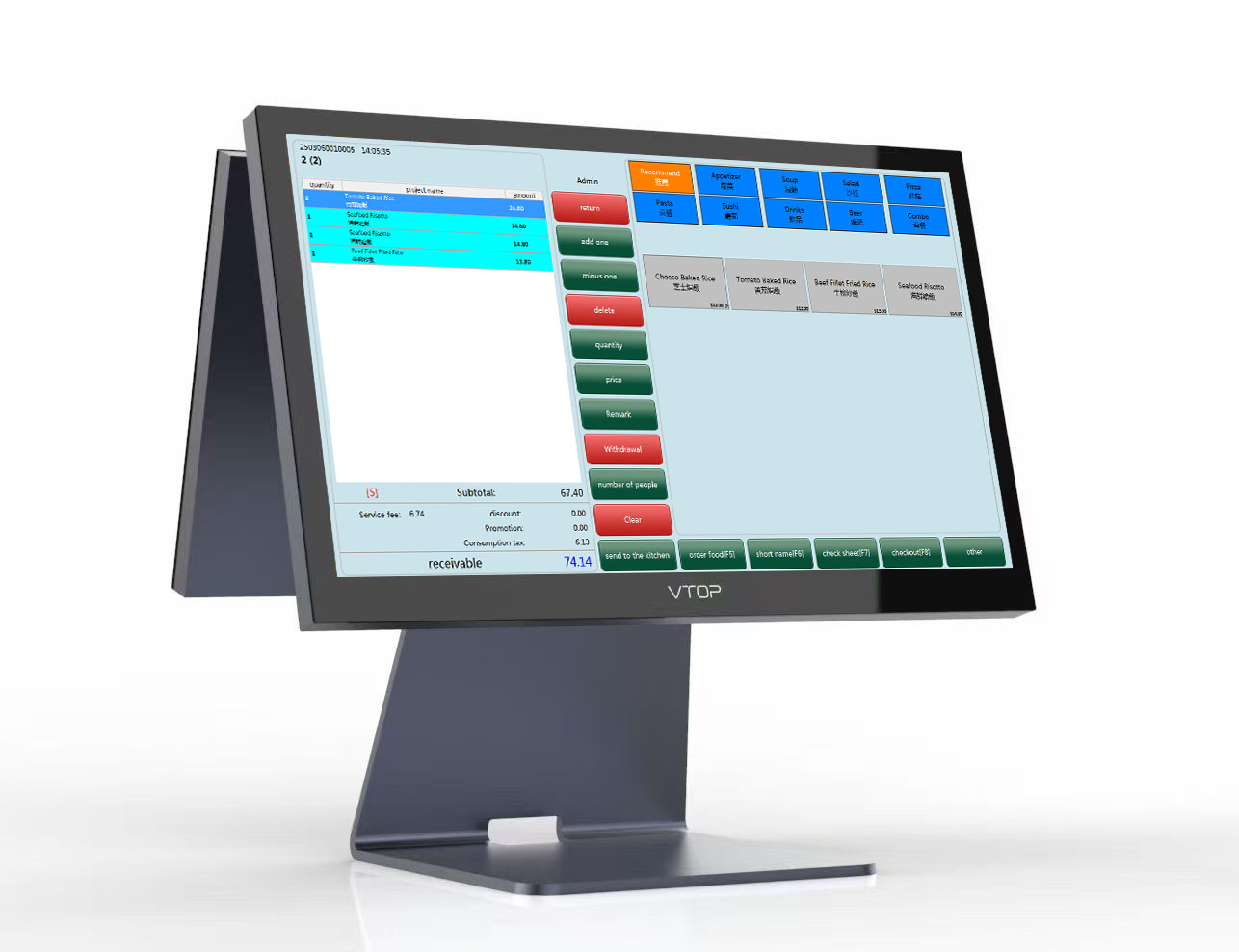
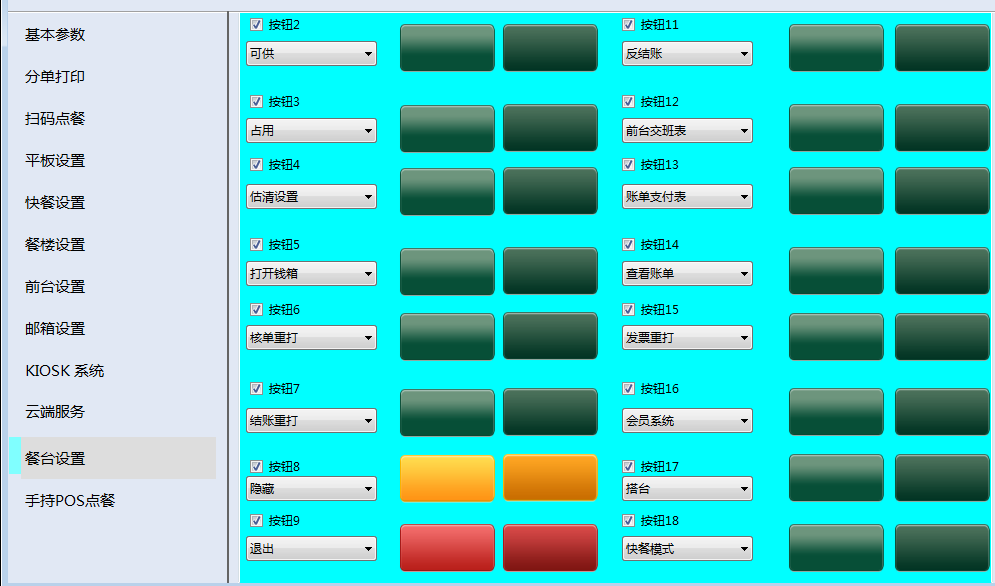
Customize interface layout, colors, and function buttons;
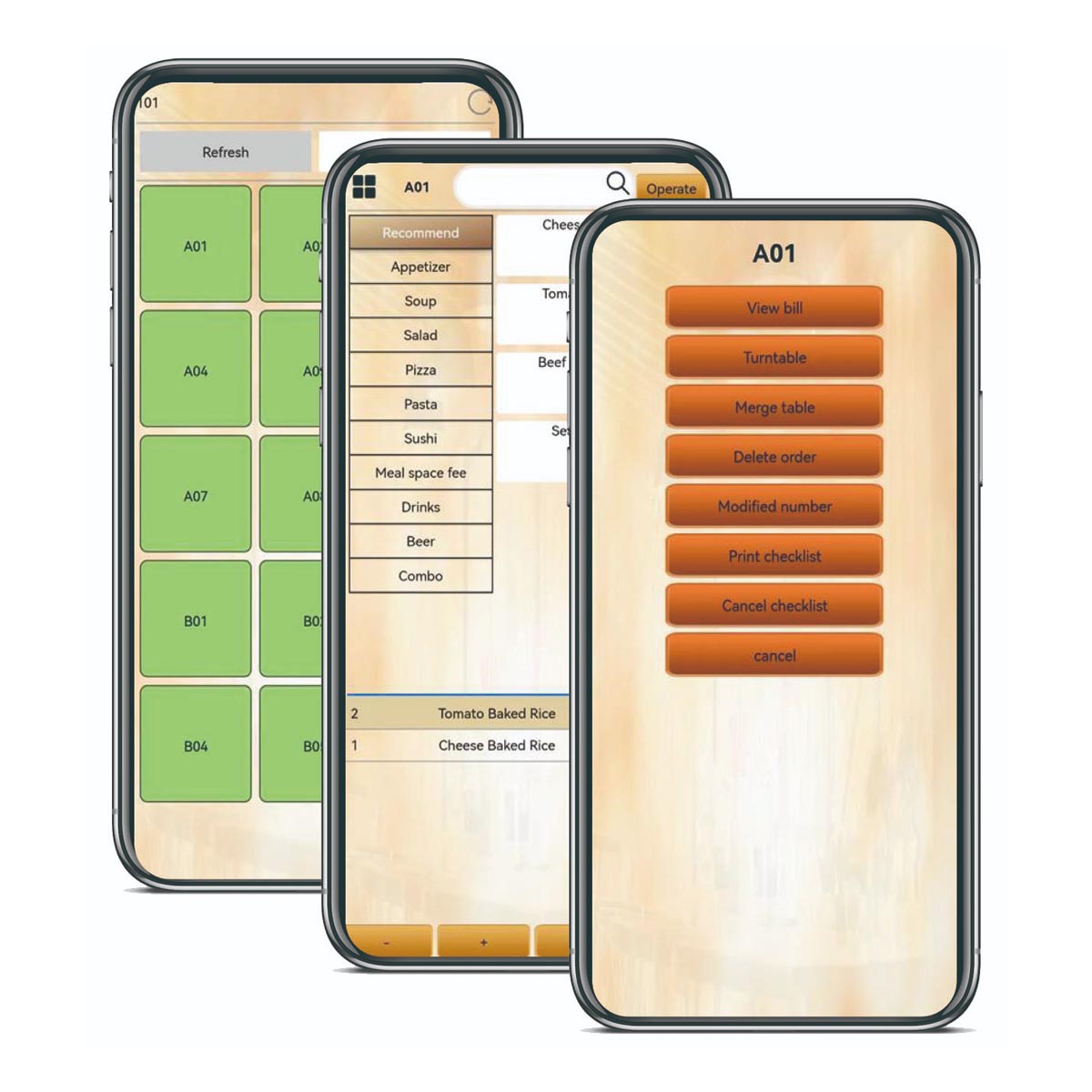
Regional counters can be placed freely on the dining room floor plan, simple and clear, making table selection convenient and improving operational efficiency;
All buttons and ribbons on the interface, including size, color, font, and display content, can be customized to meet different customer needs
Front desk cashier system, QR code ordering system, tablet ordering system, company information, restaurant logo can all be customized
The dish display area allows customization of the content and position, button size, various fonts, colors, and other content. You can also customize the display of dish images for easy viewing and operation;
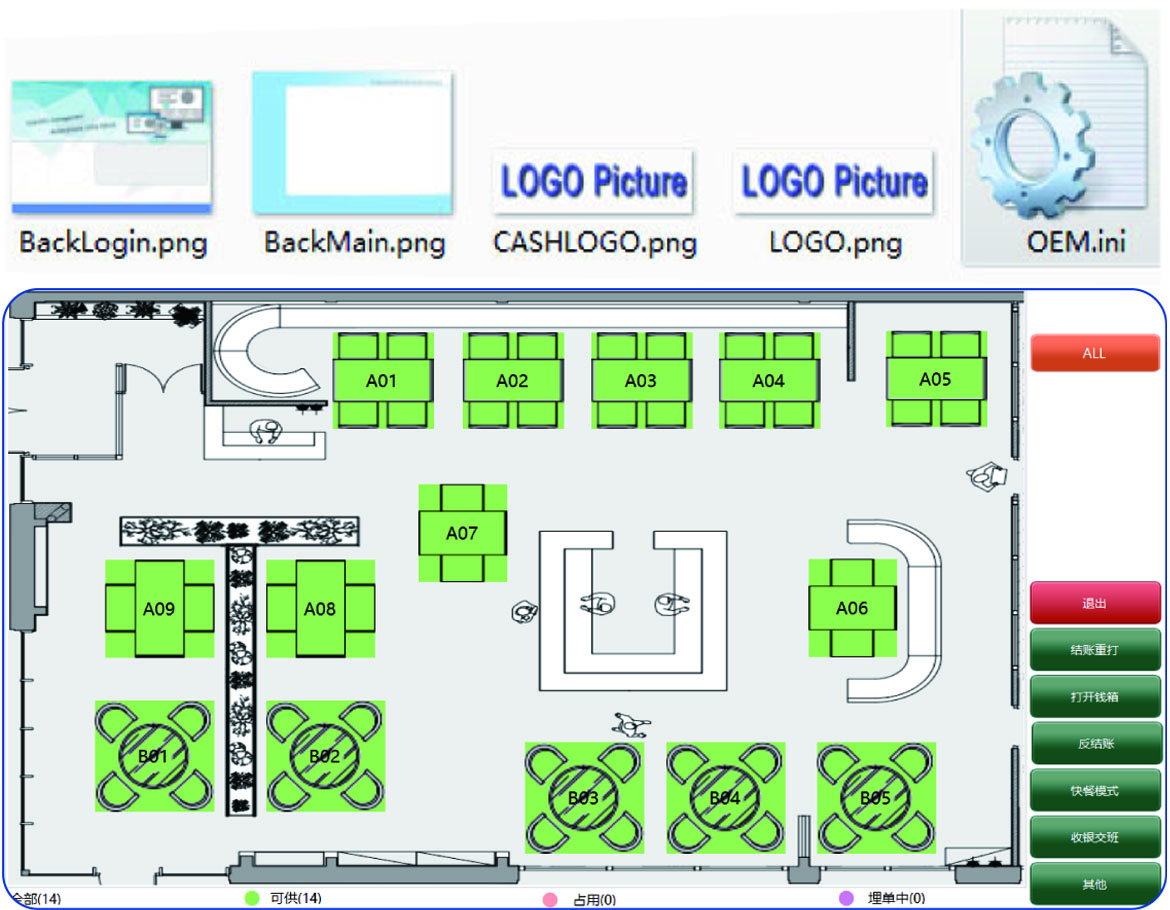
Customize interface layout, color, and function buttons
Table positions can be freely arranged according to the dining room layout, making it easy to choose a table and improving efficiency
All buttons, ribbons, sizes, colors, fonts, and display content on the interface can be customized according to customer needs
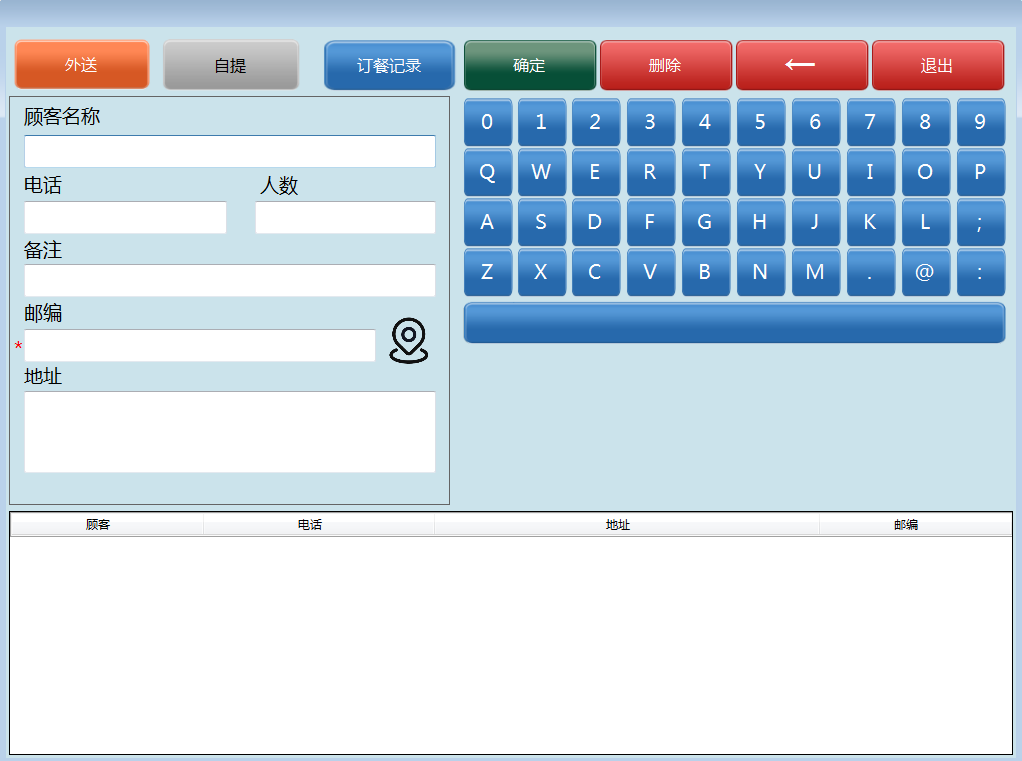
Supports map delineation of delivery areas and determination of whether customer addresses are within the delivery range;
Supports pop-up calls, customer order records, and delivery status control;
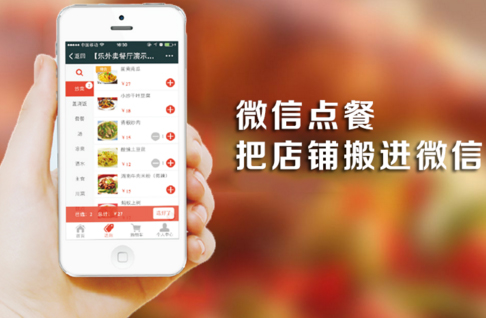
Supports online ordering, self-pickup, or delivery, with order information synchronized to the in-store front desk system and back kitchen for printing
Supports setting hourly wages for each employee according to different positions;
Calculate employees' working hours and receive salary by clocking in, clocking out, starting and ending breaks; Store managers can adjust the clock-in times for regular employees, making it convenient and flexible;
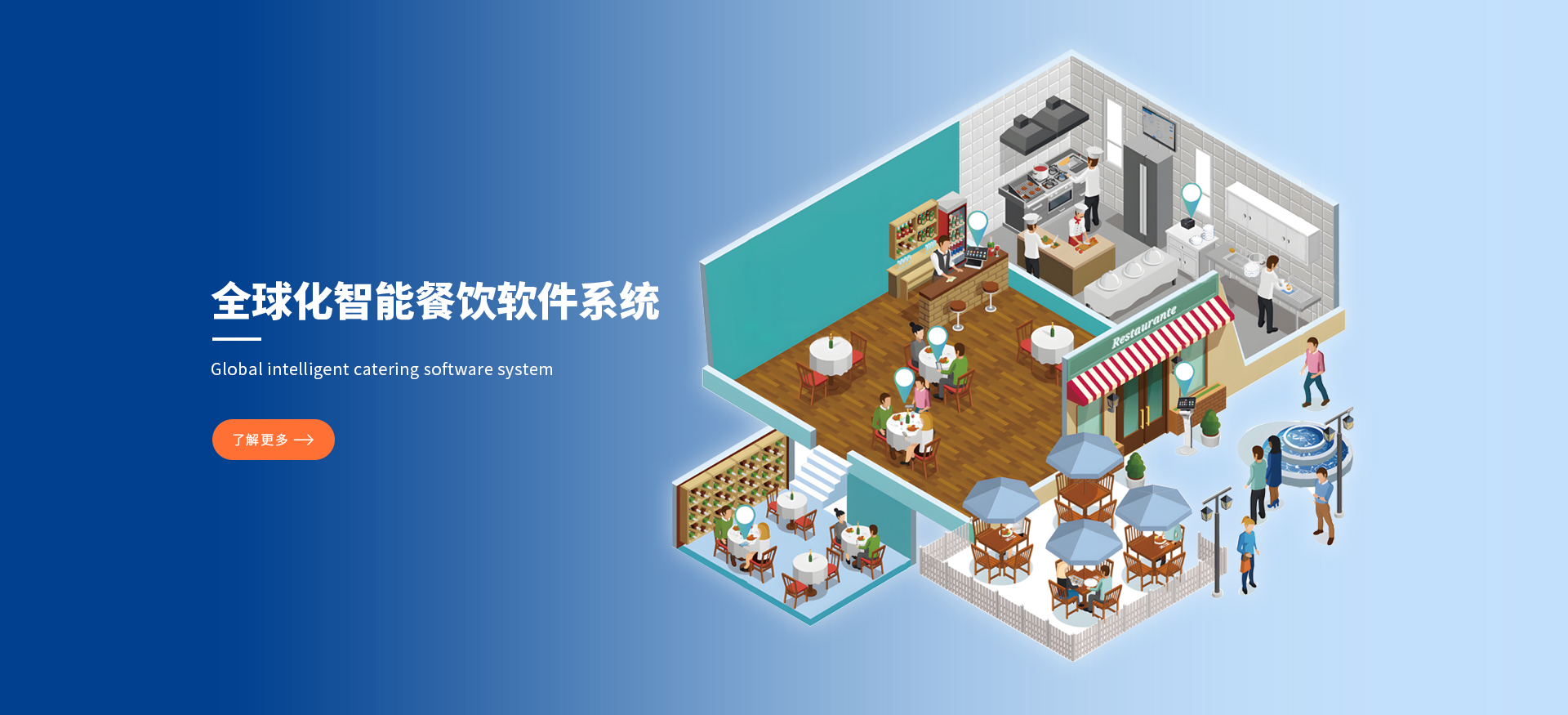
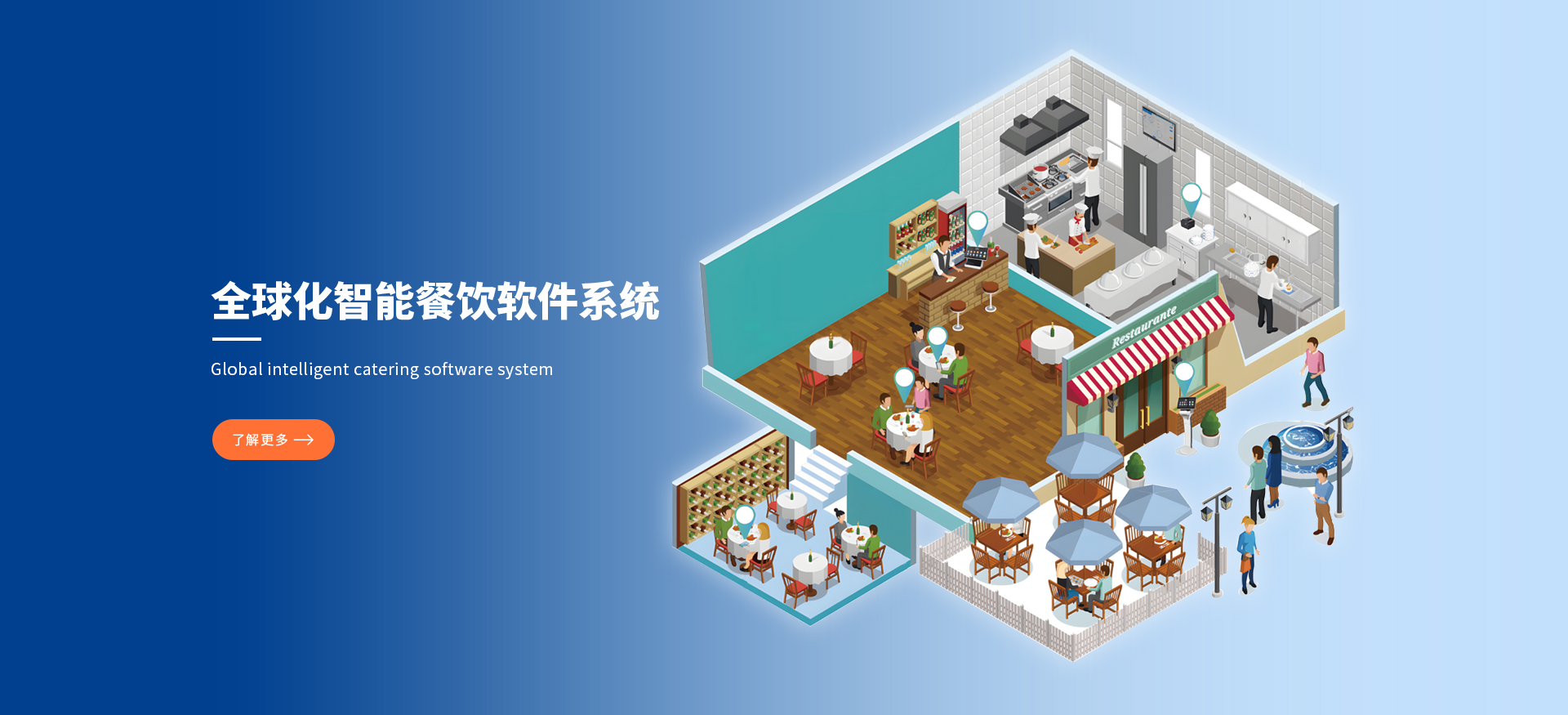
Guangzhou Haihuali Network Technology Co., Ltd. is a global intelligent catering software system development service provider, specializing in providing catering enterprises with one-stop digital catering solutions integrating smart ordering and checkout, tablet ordering, mobile ordering, QR code ordering, KIOSK, KDS, pick-up and number calling, financial management, inventory management, membership management, online mobile ordering, and data analysis. This helps restaurants optimize management processes, enhance customer experience, reduce operating costs, and achieve efficient operations and sustainable growth.


Guangzhou Haihuali Network Technology Co., Ltd
Guangzhou Haihuali Network Technology Co., Ltd
Guangzhou Haihuali Network Technology Co., Ltd
Guangzhou Haihuali Network Technology Co., Ltd
Guangzhou Haihuali Network Technology Co., Ltd
Guangzhou Haihuali Network Technology Co., Ltd



 020-28908162
 CN
CN